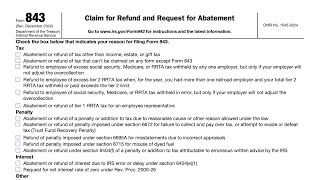
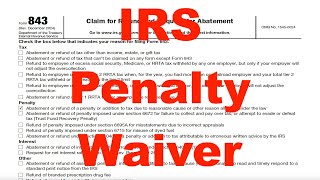
Taxpayers seeking relief from penalties or interest can file IRS Form 843, but the filing process is riddled with pitfalls that delay refunds and invite additional fees. Recent guidance highlights three recurring errors—mis‑stating the tax year, omitting required documentation, and using a one‑size‑fits‑all template—that most busy filers can sidestep with a few targeted checks. By addressing these issues before submission, taxpayers can accelerate approval and keep the IRS from sending another notice.
Understanding Form 843: When and Why It’s Used
Form 843, “Claim for Refund and Request for Abatement,” is the IRS’s shortcut for taxpayers who believe a penalty, interest charge, or a specific tax assessment was applied in error. Common scenarios include an over‑paid estimated tax, an incorrectly calculated late‑payment penalty, or a misapplied surcharge on a business expense. The form is not a blanket forgiveness request; it must be anchored to a precise tax code provision and supported by clear evidence.
Scenario: The Late‑Payment Penalty That Could Have Been Avoided
Imagine a small‑business owner who missed a quarterly estimated tax deadline because a bank transfer was delayed. The IRS automatically assessed a $200 late‑payment penalty. By filing Form 843 within 30 days and attaching the bank’s transaction record, the owner secured a full abatement. The catch? The owner originally cited “2023” instead of “2024” as the tax year, prompting the IRS to flag the claim for review and extend processing time by several weeks.
Common Mistake #1 – Mis‑Stating the Tax Year
Most taxpayers think the tax year field is a formality, but the IRS uses it to locate the correct ledger. An incorrect year sends the claim to the wrong account, generating a “no record found” response that stalls the case. Double‑check the year on the notice you received or on the original return before entering it on Form 843.
Common Mistake #2 – Incomplete Documentation
The IRS expects concrete proof: bank statements, cancelled checks, or a copy of the original notice. Filing a blank “explanation” box or attaching a vague letter from a CPA often results in a “request for additional information” notice. To avoid this, attach a concise cover page that lists each document and the specific line items it supports.
Common Mistake #3 – Relying on Generic Templates
Many online guides copy a one‑size‑fits‑all paragraph that reads, “I respectfully request abatement of penalties.” While polite, the wording lacks the required reference to the exact penalty code (e.g., 6654 for failure‑to‑file). Tailor each claim to the penalty cited on the IRS notice; a precise reference can shave days off the processing timeline.
Quick Checklist to Prevent Errors
- Verify the tax year: Match it to the notice or original return.
- Gather originals: Include only the documents that directly prove the error.
- Quote the penalty code: Use the exact IRS reference number.
- Limit narrative length: One paragraph, three to four sentences, each tied to a supporting document.
- Sign and date: An unsigned Form 843 is automatically rejected.
Implications of a Faulty Form 843 Submission
When the IRS cannot process a claim, it issues a “non‑submission” notice, which not only delays any refund but may also trigger additional interest accrual on the original penalty. For businesses, this can affect cash flow and even impact credit terms with vendors. In worst‑case scenarios, a misfiled Form 843 can be interpreted as a dismissal of the issue, forcing the taxpayer to start the claim from scratch.
Takeaway: Turn a Potential Roadblock into a Fast‑Track Win
By treating Form 843 as a precise, evidence‑driven request rather than a generic appeal, busy taxpayers can convert a potentially lengthy ordeal into a swift resolution. The three shortcuts—correct tax year, complete documentation, and specific penalty references—are simple to implement and yield measurable time savings. Implement the checklist today, and you’ll avoid the most common Form 843 IRS filing mistakes before they even appear on the agency’s radar.
Free Out Of Office Message For Marriage Leave Template To Edit Online
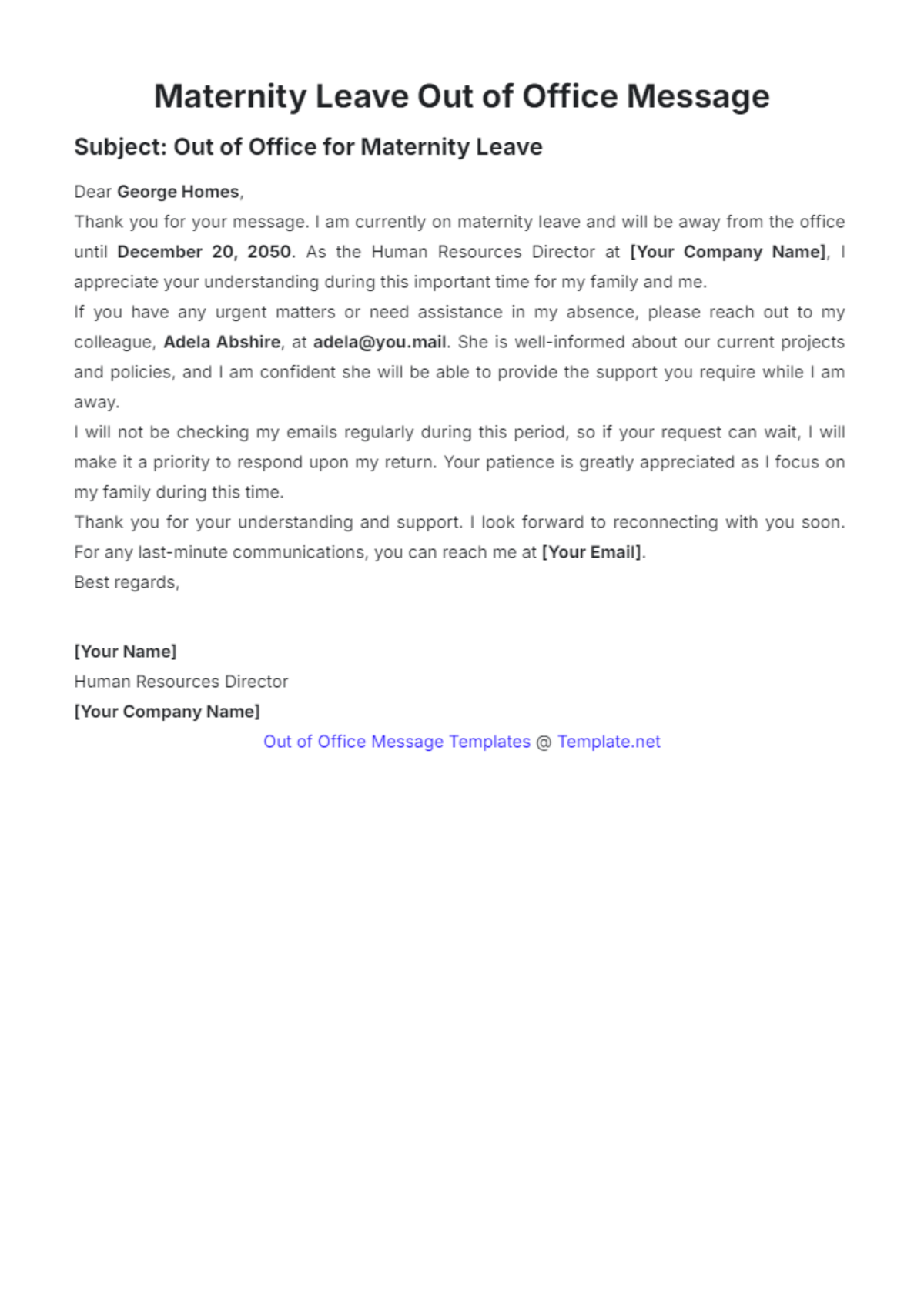
Free Out Of Office Message For Marriage Leave Template to Edit Online
Best Maternity Leave Out Of Office Email Template | Vondy
Best Maternity Leave Out Of Office Email Template | Vondy
Maternity Leave Out Of Office Message Template At Spencer Boland Blog
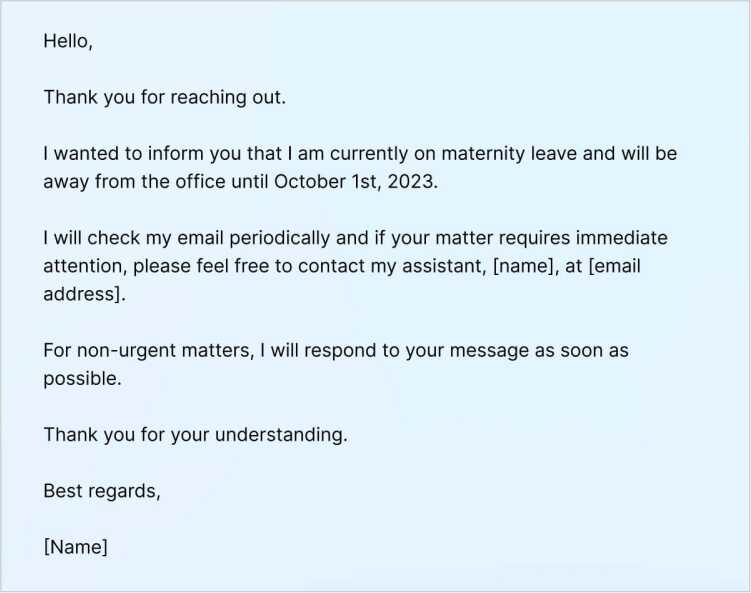
Maternity Leave Out Of Office Message Template at Spencer Boland blog
Out Of Office Message For Maternity Leave Templates - Edit Online
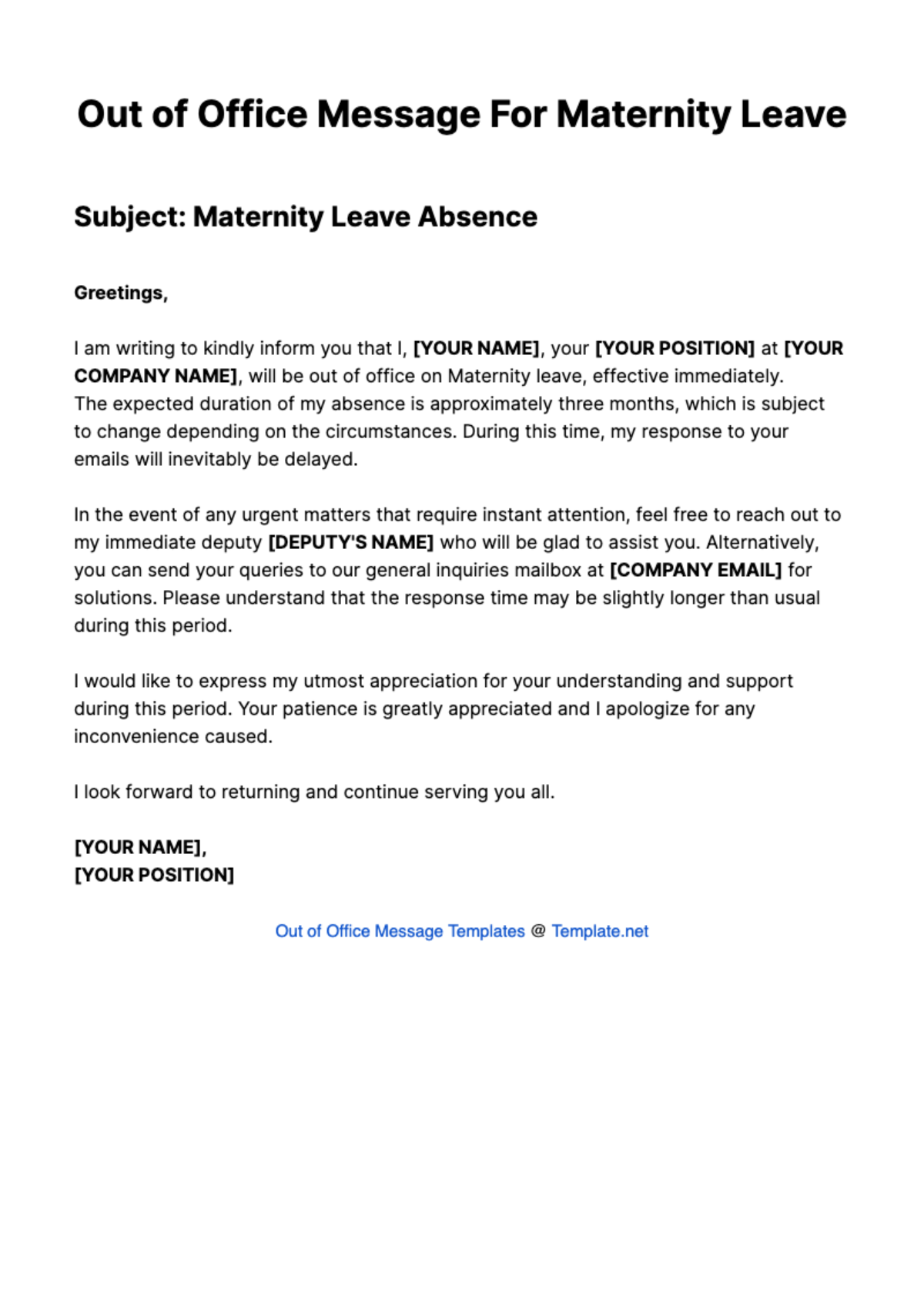
Out Of Office Message for Maternity Leave Templates - Edit Online ...
Free Out Of Office Message For Maternity Leave Without Return Date
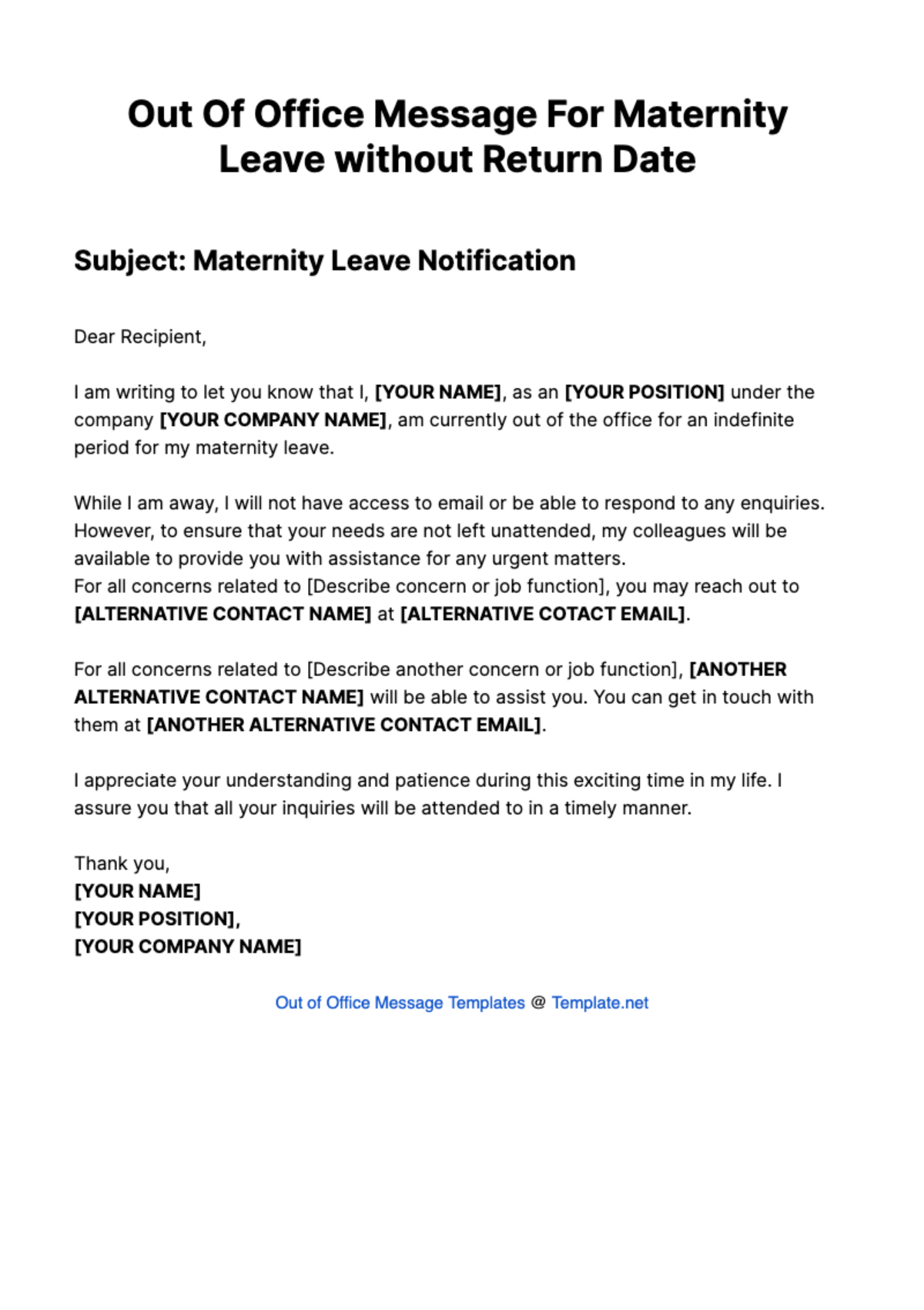
Free Out of Office Message For Maternity Leave without Return Date ...